
How to Extend Your NBN to Your Granny Flat
A reliable internet connection is no longer a luxury, it’s a necessity. Whether you’re working from home, streaming your favorite shows, or managing your smart devices, a strong internet connection is vital. Many homeowners are now extending their NBN (National Broadband Network) service to other areas of their property, including granny flats.
If you have a granny flat on your property and want to ensure it has the same fast, stable internet connection as the main house, you’re in the right place. In this post, we’ll discuss the steps, options, and considerations for extending your NBN to your granny flat.
Step 1: Understanding Your NBN Setup
Before diving into the details of extending your NBN, it’s essential to understand your current NBN setup. There are different types of NBN connections, and knowing which one you have can determine how you extend your service to your granny flat.
Types of NBN Connections
- FTTP (Fibre to the Premises): The fastest and most reliable connection, where fibre-optic cables run directly to your home. FTTP can easily be extended to a granny flat through fibre or wireless solutions.
- FTTC (Fibre to the Curb): Fibre runs to the curb near your house, with copper lines connecting to your home. Extending FTTC may require additional hardware like a modem or a wireless solution.
- FBB (Fixed Wireless Broadband): Using radio signals to deliver NBN service, this connection type can also be extended with wireless technology but may have limited range.
- FTTN (Fibre to the Node): The fibre runs to a nearby node, and copper lines carry the signal to your home. Depending on the distance from the node, performance can drop significantly, and extending the connection to a granny flat could be challenging.
- HFC (Hybrid Fibre Coaxial): This uses existing coaxial cables and fibre to deliver NBN service. Extending HFC may require coaxial cable extensions or Wi-Fi solutions.
Understanding your NBN connection type will help you decide which extension method is best suited for your granny flat.
Step 2: Choosing Your Extension Method
There are a few ways to extend your NBN connection to your granny flat, each with its pros and cons. Let’s take a look at the most common methods:
Option 1: Ethernet Cable (Wired Connection)
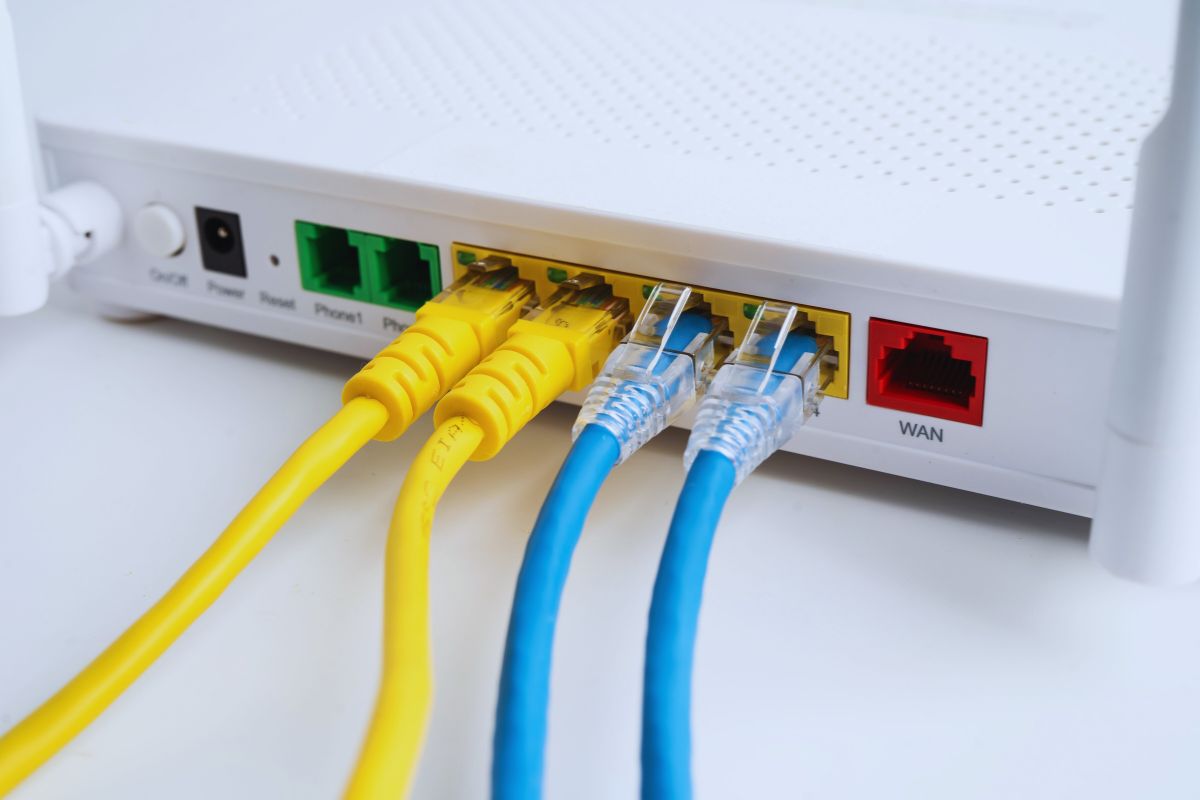
A reliable way to extend your NBN connection is by running an Ethernet cable from your main house to the granny flat. Ethernet cables can carry data over long distances without much loss of signal quality. However, running a physical cable can be a bit of a hassle, and there are a few things to keep in mind:
- Distance: Ethernet cables can be run over long distances (up to 100 meters without significant loss in signal), but if your granny flat is far from the main house, you might need a repeater or signal booster to maintain high-speed internet.
- Installation: You’ll need to lay down the cable. This can involve digging a trench, drilling holes in walls, or using conduit for protection.
- Cost: While Ethernet cables themselves are relatively inexpensive, the installation process may incur additional costs, especially if you hire a professional.
Despite the installation challenges, Ethernet cables offer a stable, high-speed connection with minimal interference. This is ideal if you require reliable internet for high-demand activities like gaming or video conferencing.
Option 2: Wi-Fi Extender or Mesh Network
If running cables isn’t an ideal option, you can extend your NBN connection wirelessly. A Wi-Fi extender or mesh network can help boost your Wi-Fi signal to reach the granny flat.
- Wi-Fi Extenders: These devices receive your existing Wi-Fi signal and boost it, allowing you to extend your coverage. However, the signal strength will be weaker the further you go from the main router, and speeds can degrade significantly over long distances or through walls.
- Mesh Networks: Mesh systems use multiple nodes to create a larger, more reliable Wi-Fi network. By placing nodes in strategic locations, you can extend your Wi-Fi range and provide a more stable connection to your granny flat. Mesh networks are more effective than standard Wi-Fi extenders and can handle more devices and higher bandwidth.
Both Wi-Fi extenders and mesh networks are relatively easy to set up and do not require much technical expertise. The downside is that performance can still be affected by the distance from the main router and any physical obstructions like walls or trees. However, for most casual internet users, these devices can provide a sufficient connection.
Option 3: Powerline Adapters
Powerline adapters use your home’s existing electrical wiring to transmit data from your main router to your granny flat. They work by plugging one adapter into an electrical outlet near your router and connecting it to the router with an Ethernet cable. Another adapter is plugged into an outlet in the granny flat, and you connect your device to it via Ethernet or Wi-Fi.
Powerline adapters are relatively easy to install and can offer a more stable connection than Wi-Fi extenders. However, the speed and reliability of the connection can vary based on the quality and age of your electrical wiring.
- Pros: Easy setup, stable connection, no need for extensive cabling.
- Cons: Performance can be affected by the quality of your electrical wiring, and they may not work well in older homes with outdated electrical systems.
Option 4: Additional NBN Connection for the Granny Flat
If none of the above solutions work well for your situation, you might want to consider getting a separate NBN connection for your granny flat. This option involves installing a new NBN connection at the granny flat and getting an additional service from your provider.
- Pros: Independent, reliable internet connection with no performance issues from the main house.
- Cons: Additional monthly cost, installation fees, and potential complications with the NBN provider.
This is often the most expensive and involved option, but it provides a dedicated, high-quality internet connection with no concerns about signal degradation or interference from the main house.
Step 3: Considerations Before Extending Your NBN
Before deciding on the best method for extending your NBN to your granny flat, there are a few key factors you should consider:
- Distance Between House and Granny Flat: The further your granny flat is from the main house, the more challenging it may be to maintain a stable connection. For example, Wi-Fi may struggle with long distances, and Ethernet cables might require signal boosters.
- Speed Requirements: If you need a fast and stable internet connection for high-demand tasks (e.g., gaming, video conferencing, or 4K streaming), you may need a wired connection (Ethernet or fibre) or a robust mesh Wi-Fi network.
- Physical Obstacles: Trees, walls, and other structures can interfere with Wi-Fi signals. Consider these factors when deciding on wireless options. Ethernet and powerline adapters are less susceptible to these obstacles.
- Cost and Installation: Some methods, such as running Ethernet cables or installing a separate NBN connection, can be costly. Weigh the benefits of reliability and speed against the upfront and ongoing costs.
Step 4: Setting Up Your NBN Extension
Once you’ve chosen the extension method that works best for you, it’s time to set up the connection:
- For Ethernet: Run the Ethernet cable from your router to your granny flat, making sure to protect it with conduit or bury it in a trench if necessary. Connect the cable to an Ethernet switch or directly to your devices.
- For Wi-Fi Extenders/Mesh Networks: Set up your Wi-Fi extender or mesh network according to the manufacturer’s instructions. Place the extender or mesh node in a location that provides good signal strength to the granny flat.
- For Powerline Adapters: Plug in the adapters and connect them to your router and devices. Make sure to use electrical outlets on the same circuit for optimal performance.
- For a Separate NBN Connection: Contact your NBN provider to install a new connection at your granny flat. This process will involve an installation fee and potentially a contract for the service.
Final Thoughts
Extending your NBN to your granny flat can greatly improve your internet experience across your property. By considering the distance, speed requirements, and costs involved, you can choose the best solution for your needs. Whether you opt for a wired solution like Ethernet or go with a wireless option like a mesh network or Wi-Fi extender, there’s a method that fits your home and your lifestyle. With the help of NBN installer, you’ll be able to enjoy a seamless internet connection in your granny flat, just like in your main house.