
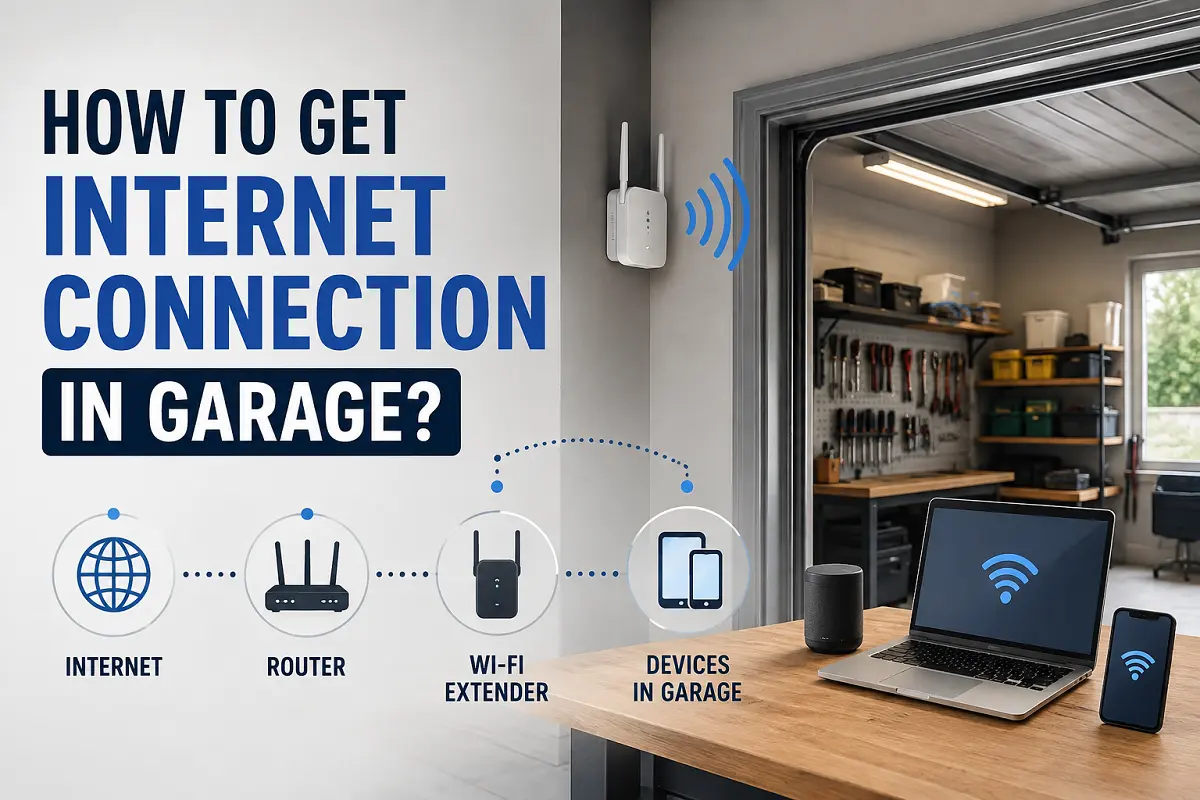
How to Get Internet Connection in Garage?
Garages have quietly become one of the most-used spaces in the modern Aussie home. What used to be a spot for the lawnmower and a few boxes is now a home gym, a workshop, a home office, a music studio, or even a fully converted granny flat. But there’s one thing that trips almost everyone up once they start spending real time out there: getting decent internet in garage spaces, where Wi-Fi from the house barely reaches and streaming a video call feels like a lottery.
If you’ve ever stood in your garage watching the Wi-Fi icon spin, or given up trying to stream music while working on the car, you’re not alone. This is one of the most common issues we get asked about, and the good news is, it’s also one of the easiest to fix properly, once you understand why it’s happening and what your options actually are.
In this guide, we’ll walk through exactly why garages struggle with connectivity, the different ways to fix it, and how to choose the right setup depending on how you actually use the space. This is based on the kind of jobs our licensed technicians handle across Sydney every week, so it reflects what actually works in real homes, not just theory. We’ve cabled everything from suburban single garages used as home offices to fully detached workshops sitting fifty metres from the house, so the advice here comes from hands-on experience with the exact problem you’re likely dealing with right now, not a generic checklist pulled together without ever running a cable through a besser block wall.
Why It’s So Hard to Get Internet in Garage Spaces
Before jumping into solutions, it helps to understand why getting reliable internet in garage areas is so much harder than in the rest of the house.
- Distance from the router: Most routers sit near the front of the house, close to the NBN connection box. By the time the signal reaches a detached or semi-detached garage, it’s often lost most of its strength.
- Thick walls and construction materials: Brick, concrete, and besser block, all common in Aussie garage construction, are notoriously good at blocking Wi-Fi signals. Metal garage doors make this even worse.
- No existing cabling: Unlike bedrooms or living areas, builders rarely wired garages for data or even extra power points when they built the house.
- Interference from appliances and tools: Power tools, fridges, and garage door motors can all interfere with a Wi-Fi signal, on top of the distance and wall issues.
- Detached structures: If your garage is a separate structure from the main house, there may be no existing pathway at all for cabling or signal to reach it.
Once you know which of these is causing your problem, it becomes a lot easier to pick the right fix rather than just buying a cheap Wi-Fi extender and hoping for the best.
Ways to Get Reliable Internet in Garage Areas
There are several ways to solve this problem, and the right one really depends on your garage, your budget, and how you plan to use the space.
1. Run a Hardwired Ethernet Cable
By far the most reliable way to get internet in garage spaces is to run a physical Ethernet cable from your main router or a network switch straight into the garage. A wired connection doesn’t lose speed over distance the way Wi-Fi does, and it isn’t affected by walls, appliances, or interference.
This usually involves:
- Running Cat6 (or better) cable from your existing setup to the garage
- Data point installation or wall socket at the garage end
- Connecting a router, switch, or Wi-Fi access point at that end for local coverage
If the garage is detached from the house, the cable typically needs to run underground in conduit, a job best suited to a licensed technician rather than a DIY weekend project. Once it’s installed, it’s worth checking our guide on things to check after installing Wi-Fi access points to make sure your new setup is performing the way it should.
2. Install a Dedicated Wi-Fi Access Point
If running a whole new cable isn’t practical, a Wi-Fi access point wired back to your main network is the next best option for getting internet in garage areas. Rather than relying on your main router’s signal to punch through walls, a dedicated access point sits in or near the garage and broadcasts its own strong, local Wi-Fi signal.
This works particularly well for garages used as home gyms, workshops, or hobby spaces where a few devices need reliable Wi-Fi, but a full separate NBN connection isn’t necessary.
3. Use Powerline Adapters
Powerline adapters use your home’s existing electrical wiring to carry a network signal from one point to another. One unit plugs in near your router, the other plugs in inside the garage, and they use the electrical circuit to pass data between them.
This can be a reasonable stopgap solution, but performance varies a lot depending on your home’s wiring, and it’s generally not as fast or reliable as a technician-installed cabled setup.
4. Set Up a Wireless Mesh System
Mesh Wi-Fi systems use multiple small units placed around the property to extend coverage. If your garage is close to the house, adding a mesh unit near the garage side of the home, or just inside the garage itself, can noticeably boost signal strength without any new cabling.
Mesh systems tend to work best for garages attached to the house, rather than fully detached structures, where the units themselves can struggle with the same distance and wall issues as the original router. The same principles apply if you’re trying to extend your internet to a second floor, since both problems usually come down to distance and building materials weakening the signal.
5. Install a Separate NBN Connection
If you’ve converted your garage into a granny flat, studio, or self-contained space, it may make more sense to treat it like its own dwelling and get a separate NBN connection installed. This is a similar process to installing NBN in a granny flat, and gives the space its own dedicated, independent connection rather than relying on the main house at all.
Which Option Gives You the Best Internet in Garage Setups?
Not every garage needs the same solution. Here’s a general guide based on how the space is used:
- Occasional use (storage, light DIY): A Wi-Fi extender or mesh unit is usually enough.
- Home gym or workshop with a few devices: A dedicated Wi-Fi access point wired back to the main router gives reliable coverage without a big job.
- Home office or studio in the garage: A hardwired Ethernet connection with its own data point is worth the investment, since video calls and file transfers need consistent speed, not just “good enough” Wi-Fi.
- Converted living space or granny flat: A separate NBN connection, set up properly with its own account and internal cabling, is usually the better long-term option.
- Detached garage or workshop across the yard: Underground conduit with a hardwired connection is the most reliable fix, since Wi-Fi alone often can’t reliably cross that kind of distance and structure gap.
Common Mistakes People Make
We see the same few mistakes come up again and again when people try to sort out internet in garage spaces themselves:
- Buying a cheap extender before diagnosing the actual problem. If the issue is thick concrete walls, a basic extender often won’t help much.
- Assuming Wi-Fi alone will always be enough. For anything more than casual browsing, a wired connection is far more dependable.
- Not planning cabling before a garage renovation or conversion. It’s much easier and cheaper to run conduit while walls are open than to retrofit it later.
- Overlooking interference from garage door motors and power tools. These can quietly degrade a Wi-Fi signal even after other fixes have been put in place.
- Ignoring outdoor and weatherproofing requirements. Garage cabling and equipment need the right protection, especially with any exposure to moisture or temperature extremes.
Why a Professional Setup Makes a Difference
It’s tempting to grab a cheap Wi-Fi extender from the hardware store and call it a day, and for very light use, that might be fine. But for anyone relying on their garage for work, hobbies, or a converted living space, a properly planned setup for internet in garage areas makes a noticeable difference.
A licensed internet connection technician can assess your specific garage, whether it’s attached, detached, brick, or besser block, and recommend a setup that actually works for your situation, rather than a generic fix. This includes correctly running cabling through conduit where needed, testing signal strength before finishing the job, and confirming the whole setup stays safe and weatherproof.
Our team has handled everything from simple access point installs in suburban garages to full underground cabling runs for detached workshops and converted granny flats across Sydney, so we’ve seen firsthand which fixes actually hold up over time and which ones tend to fail within a few months. That kind of on-the-tools experience is exactly why we can point you toward the right fix quickly, rather than talking you through a trial-and-error process with your own money and weekends.
Frequently Asked Questions
1). How do I get internet access in my garage?
The most reliable way is to run a hardwired Ethernet cable from your main router or a network switch into the garage, then install a data point or a Wi-Fi access point at that end. For lighter use, a mesh unit or a wired access point can also do the job without a full cabling project.
2). How can I get Wi-Fi in my garage?
A dedicated Wi-Fi access point, wired back to your main network, is usually the best fix. It sits in or near the garage and broadcasts its own strong local signal, rather than relying on your main router to punch through walls and distance.
3). Can I install an NBN box in my garage?
Yes, if your garage has become a granny flat, studio, or self-contained living space, you can get a separate NBN connection installed there, complete with its own box and account, much like any other dwelling on the property.
4). Why doesn’t my Wi-Fi work in my garage?
Usually it comes down to distance from the router combined with thick walls like brick or besser block, both of which weaken a Wi-Fi signal significantly by the time it reaches the garage.
5). How long does it take to install internet in garage spaces?
A technician can often complete a simple access point installation within a few hours, while underground cabling to a detached garage may take a full day or more, depending on the distance and conduit required.
6). Will running a cable to my garage void my NBN warranty or setup?
No, internal cabling from your connection box to another part of the property, including a garage, is separate from your NBN service itself and doesn’t affect your plan or provider, provided a qualified technician does the work.
Final Thoughts
Weak or non-existent internet in garage spaces is one of the most common, and most fixable, problems we come across. Whether you’re dealing with a detached workshop, a converted home office, or simply want reliable Wi-Fi while working on a project, there’s a solution that fits, from a simple access point to a fully separate NBN service.
The key is matching the fix to how you actually use the space, rather than defaulting to whatever’s cheapest at the hardware store. A bit of planning, and the right cabling done properly the first time, saves a lot of frustration down the track, and means you’re not back at the hardware store in six months buying yet another extender that doesn’t quite do the job.
If you’re dealing with patchy Wi-Fi or no connection at all in your garage, the team at Data Cabling Guy can assess your space and get reliable internet in garage areas sorted across Sydney, done properly and tested before we call the job complete.