
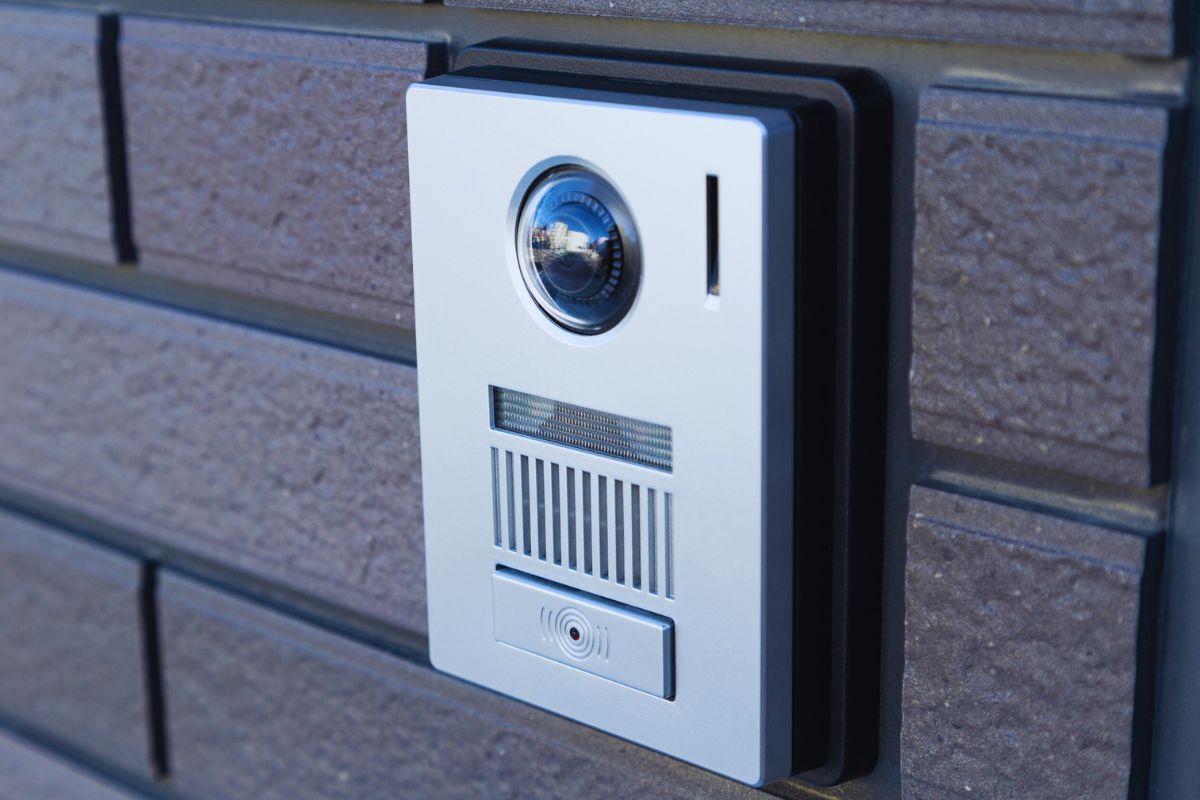
Avoid Mistakes When Installing Ring Video Doorbell
Installing a Ring Video Doorbell is one of the easiest and most effective ways to upgrade your home security. But while the setup process is designed to be user-friendly, many homeowners still run into preventable issues that lead to poor performance, weak connectivity, false alerts, or even complete device failure.
Whether you’re installing a wired model or a battery-powered version like the Ring Video Doorbell or the Ring Video Doorbell Pro 2, avoiding common mistakes will ensure your device works smoothly from day one.
In this detailed guide, we’ll walk through the most common installation mistakes, and how to avoid them.
1. Skipping the Wi-Fi Strength Test
One of the biggest mistakes homeowners make is installing the doorbell before checking Wi-Fi strength at the mounting location.
Why This Matters
Your Ring device depends heavily on a strong and stable internet connection. Weak Wi-Fi can cause:
- Delayed notifications
- Poor video quality
- Choppy live view
- Missed motion events
How to Avoid This Mistake
Before installation:
- Stand at your door with your smartphone.
- Check Wi-Fi signal strength.
- Run a speed test.
If the signal is weak, consider installing a Wi-Fi extender or upgrading your router before mounting the doorbell.
2. Mounting the Doorbell Too High (or Too Low)
Many people assume the higher the placement, the better the view. That’s not true.
Ideal Height
Ring recommends installing your device about 48 inches (1.2 meters) from the ground.
Why Height Matters
Ring doorbells use motion detection optimised for people approaching your door, not cars driving by. Mounting too high can:
- Miss visitors
- Capture too much sky
- Trigger unnecessary motion alerts
If your doorway sits higher than ground level, use the included wedge kit to angle the camera properly.
3. Ignoring the Angle of the Door and Walkway
If your front door is recessed or located beside a wall, installing the device flat against the wall can limit its field of view.
Common Angle Problems
- Visitors standing too close appear cut off.
- Motion detection misses side approaches.
- Excessive street activity triggers alerts.
The Fix
Use a wedge or corner kit to angle the camera toward:
- The main approach path
- The center of your walkway
- The area where visitors stand
Proper angling ensures accurate motion detection and better video coverage.
4. Not Turning Off Power (For Wired Models)
If you’re installing a wired version like the Ring Video Doorbell Wired, failing to turn off power at the breaker can be dangerous.
Risks Include:
- Electrical shock
- Short-circuiting the transformer
- Damaging your doorbell unit
What to Do
- Turn off power at the breaker.
- Confirm the doorbell no longer rings.
- Use a voltage tester if available.
Safety always comes first.
5. Using the Wrong Transformer
This is one of the most overlooked issues with wired installations.
The Problem
Many older homes have doorbell transformers that don’t provide enough voltage. Ring doorbells typically require:
- 16–24 VAC
- 10–40 VA (depending on the model)
An underpowered transformer can cause:
- Device rebooting
- Inconsistent chime performance
- Poor video quality
The Solution
Check your transformer rating before installation. If it’s outdated, upgrading it is inexpensive and prevents long-term issues.
6. Over-Tightening the Mounting Screws
It may seem like tightening screws as much as possible ensures stability but over-tightening can:
- Crack the mounting plate
- Damage the wall surface
- Misalign the device
Tighten screws just enough to secure the device firmly without warping the bracket.
7. Skipping Motion Zone Customisation
After installation, many homeowners forget to configure motion settings in the Ring app.
Why This Is a Problem
Without adjusting motion zones:
- You may receive constant alerts from passing cars.
- Trees and shadows can trigger notifications.
- Battery life drains quickly.
What to Do Instead
Open the Ring app and:
- Create custom motion zones.
- Reduce sensitivity if needed.
- Disable street-facing areas.
Proper customisation dramatically improves performance.
8. Not Fully Charging the Battery (Battery Models)
If you’re installing a battery-powered version like the Ring Video Doorbell 4, installing it without a full charge is a common mistake.
Why It Matters
A partially charged battery can:
- Die quickly during setup
- Interrupt firmware updates
- Cause pairing issues
Always charge the battery to 100% before mounting.
9. Forgetting to Secure the Device with the Security Screw
Ring includes a small security screw that locks the device onto the mounting bracket.
Skipping this step:
- Makes it easier to remove
- Increases theft risk
- Allows shifting due to vibration
Use the included screwdriver and double-check that the device clicks firmly into place.
10. Not Updating Firmware Immediately
After installation, your Ring device may require a firmware update.
If ignored:
- You may experience bugs.
- Security vulnerabilities remain unpatched.
- New features won’t activate.
Allow the update to complete fully before testing performance.
11. Poor Lighting Considerations
Although Ring devices have night vision, extremely dark or backlit environments can affect video clarity.
Common Lighting Issues
- Bright sunlight directly facing the lens
- Porch lights positioned behind visitors
- Deep shadows on the doorway
Improvement Tips
- Install soft porch lighting.
- Avoid direct glare into the camera.
- Test live view at different times of day.
12. Not Testing Before Finalising Installation
Many users fully mount the device before confirming:
- Wi-Fi stability
- Camera angle
- Motion detection accuracy
Before tightening everything permanently:
- Temporarily mount it.
- Test live view.
- Trigger motion alerts.
- Check notification speed.
This quick test can save you from reinstalling it later.
13. Ignoring Privacy Settings
A Ring Video Doorbell captures video beyond your front door area. Failing to adjust privacy settings can create concerns with neighbors.
What You Should Do
- Set privacy zones in the app.
- Avoid pointing directly at neighboring properties.
- Inform household members about camera placement.
Responsible usage protects both your home and others’ privacy.
14. Not Considering Weather Exposure
Although Ring devices are weather-resistant, extreme exposure can reduce lifespan.
Avoid:
- Direct sprinkler spray
- Prolonged harsh sunlight
- Installation without proper sealing on brick or siding
Use wall anchors and silicone sealant if mounting on uneven surfaces.
Final Thoughts
Installing a Ring Video Doorbell is straightforward but small installation mistakes can lead to major performance issues.
By:
- Testing Wi-Fi first
- Installing at the correct height
- Using the right transformer
- Customising motion settings
- Updating firmware
You’ll ensure reliable performance, clear video, and accurate alerts.
Taking a little extra time during installation saves hours of troubleshooting later.