
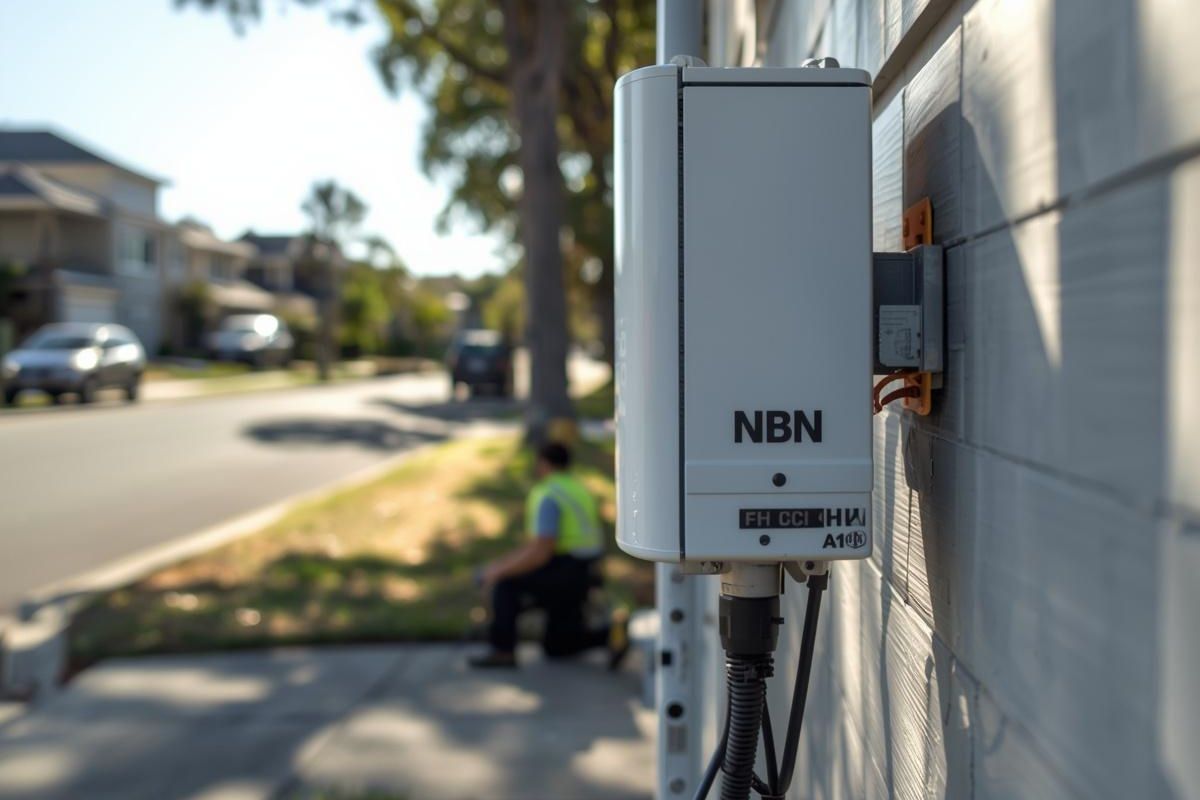
How to Get NBN at Your House
Getting connected to the nbn (National Broadband Network) is one of those things that sounds technical, but in reality, it’s mostly about following a few simple steps in the right order. Whether you’ve just moved into a new place or you’re finally upgrading from old internet, the process is easier than most people expect once you understand how it works.
At its core, the nbn isn’t something you “buy” directly. Instead, it’s the infrastructure that delivers internet to your home, while different providers sell plans that run on top of it. That’s why two households on the same street can have very different experiences depending on the provider and plan they choose.
Start by checking your address
Before you do anything else, you need to confirm whether your home is actually connected or ready for connection. This step sets the direction for everything that follows.
When you check your address, you’ll usually see one of a few outcomes:
- Your home is ready to connect
- It’s already connected but inactive
- It’s not available yet
If it’s ready or already connected, you’re in a great position, you can move ahead straight away. If not, you may need to wait or consider temporary options like wireless broadband.
Understanding your connection type matters more than you think
One thing many people overlook is that not all nbn connections are the same. The type of NBN connection your home has will influence your speed, reliability, and even how the installation works.
For example, some homes have full fibre running directly inside, while others rely partly on older copper wiring. You don’t need to become an expert, but it helps to know what you’re dealing with.
Common connection types include:
- Fibre to the Premises (FTTP) – fast and very reliable
- Fibre to the Node (FTTN) – more common, but speed can vary
- Hybrid Fibre Coaxial (HFC) – uses cable TV infrastructure
- Fixed Wireless or Satellite – mostly in regional areas
The key takeaway here is simple: your address determines your connection type, you don’t choose it.
Choosing a provider is where you have control
Once you know your home is ready, the next step is picking a provider. This is where things actually become flexible, because multiple companies offer nbn plans using the same network.
Instead of rushing into the cheapest option, it’s worth thinking about how you use the internet day-to-day. A plan that looks affordable upfront might not hold up if your household streams, games, or works from home.
When comparing providers, focus on:
- Speed tiers they offer
- Reliability and customer support
- Contract flexibility
- Whether a modem is included
A good provider can make a noticeable difference, even on the same infrastructure.
Picking the right speed plan
Speed is one of the most important decisions you’ll make, and it should reflect your actual usage rather than just your budget.
Think of it like this: the more people and devices in your home, the more speed you’ll need to avoid frustration.
A simple guideline:
- Light users (emails, browsing) → lower speed plans
- Streaming and work-from-home → mid-range plans
- Busy households or gamers → higher speeds
It’s often better to start somewhere in the middle and adjust later rather than going too low and struggling.
The installation process is usually simple
After signing up, your provider will handle the connection process. In many cases, your home may already have the necessary equipment installed, which makes things very quick.
Depending on your situation, installation might involve:
- No technician visit at all (self-setup) or hire NBN technician
- A scheduled appointment to install or activate equipment
- Setting up a connection box inside your home
Most people are surprised by how little effort is actually required on their end.
Setting up your internet at home
Once everything is activated, the final step is getting your home network running properly. This usually just means connecting your modem and following a few setup instructions.
To get the best performance, a few small choices can make a big difference:
- Place your modem in a central, open area
- Avoid hiding it behind furniture or walls
- Use Ethernet cables for important devices when possible
Good placement alone can significantly improve your Wi-Fi experience.
Final thoughts
Getting nbn at your house isn’t complicated, it just feels that way at the beginning because there are a few unfamiliar terms and steps. Once you break it down, it’s really just a matter of checking availability, choosing a provider, and setting things up correctly.
If you approach it thoughtfully, you’ll end up with a connection that actually suits your lifestyle instead of one that constantly frustrates you.