
How We Transformed a Cluttered Office Network in a Day
A well-organised and efficient office network isn’t just a luxury, it’s a necessity. Yet, many businesses operate with tangled cables, outdated hardware, and poorly managed systems that silently drain productivity. This was exactly the situation we walked into one Monday morning: a growing company with a network infrastructure that hadn’t kept up with its ambitions.
What followed was an intense, rewarding, and ultimately transformative day. Here’s the full story of how we turned a cluttered, inefficient office network into a streamlined, high-performance system, in just one day.
The Starting Point: Chaos Behind the Scenes
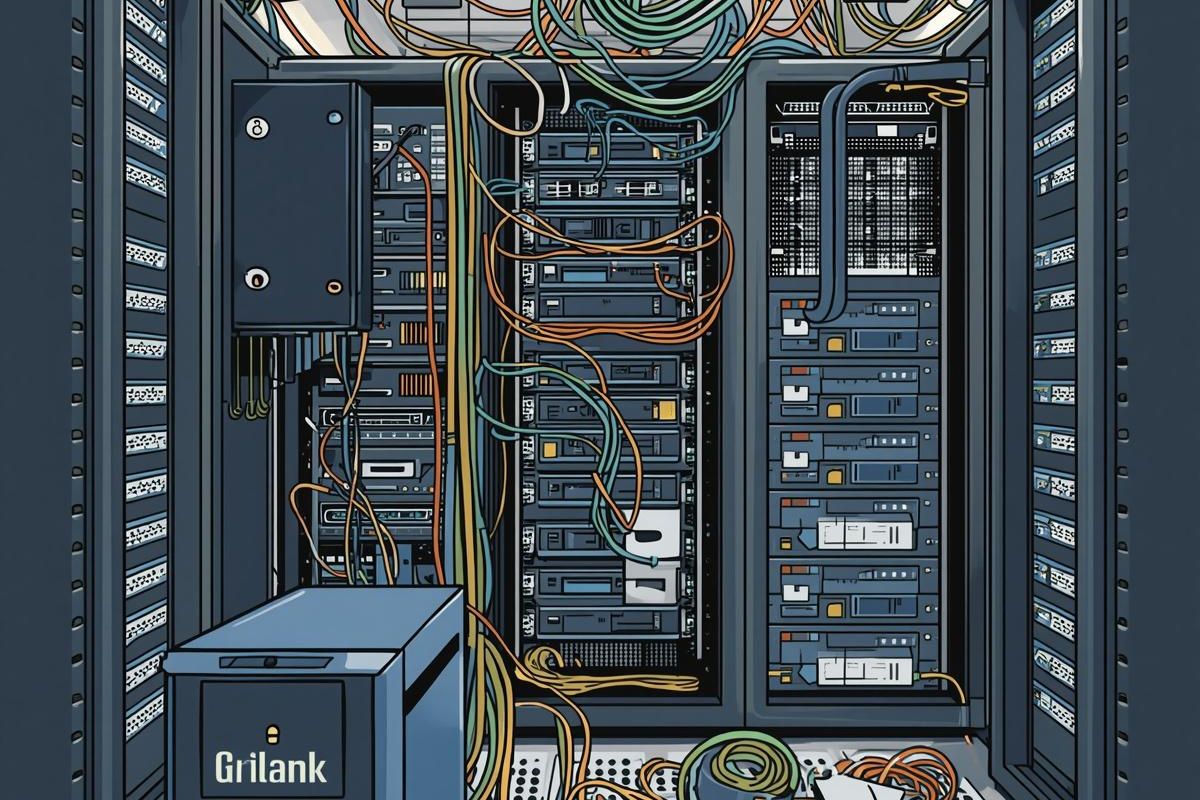
At first glance, the office looked like any other modern workspace. But behind the desks and under the floorboards, it was a different story.
- Cables were tangled and unlabeled
- Multiple switches were daisy-chained without clear logic
- Internet speeds were inconsistent across departments
- Network downtime had become a regular frustration
- Security practices were minimal at best
Employees had grown used to slow file transfers, dropped video calls, and unreliable access to shared resources. The leadership team knew something had to change but they underestimated just how much improvement was possible in such a short time.
Step 1: Assessment and Mapping
We began the day early with a full audit of the existing network. This step was critical, before making any changes, we needed to understand exactly what we were dealing with.
We mapped out:
- All connected devices (computers, printers, servers, IoT devices)
- Cable routes and connection points
- Switch and router configurations
- Bandwidth usage patterns
What we found was typical of a “grown organically” network: patches built on top of patches, with no central design guiding the infrastructure.
Step 2: Decluttering the Physical Network
Next came the most visually dramatic phase: cleaning up the cabling.
We:
- Removed unused and redundant cables
- Replaced damaged Ethernet lines
- Organised cables using trays, ties, and labels
- Created a clean, logical patch panel layout
Within a couple of hours, what had looked like a chaotic mess was transformed into a structured system where every connection was clearly identified. This alone made future troubleshooting significantly easier.
Step 3: Rebuilding the Network Architecture
With the physical layer cleaned up, we moved on to the logical structure.
We redesigned the network with:
- A central core switch instead of inefficient daisy chains
- Proper segmentation using VLANs to separate departments
- Optimised routing paths for faster data flow
- Quality of Service (QoS) settings to prioritise critical applications
This step had an immediate impact. Even before fine-tuning, speeds improved simply because data was no longer taking inefficient paths through the network.
Step 4: Upgrading Hardware Where It Mattered
Not everything needed replacing but some components were clear bottlenecks.
We upgraded:
- The main router to handle higher throughput and better security
- Key switches to gigabit-capable models
- Wireless access points for stronger and more consistent coverage
Importantly, we focused on strategic upgrades rather than a full overhaul. This kept costs manageable while delivering maximum impact.
Step 5: Strengthening Network Security
The original setup had minimal protection, leaving the business vulnerable.
We implemented:
- A properly configured firewall
- Secure Wi-Fi networks with separate guest access
- Strong password policies and access controls
- Firmware updates across all devices
Security wasn’t just an add-on, it became an integral part of the network design.
Step 6: Testing and Optimisation
Once everything was in place, we didn’t just pack up and leave. We rigorously tested the network:
- Speed tests across different departments
- Load simulations during peak usage
- Failover checks to ensure stability
We also monitored traffic patterns and fine-tuned configurations to eliminate any remaining inefficiencies.
The Results: Immediate and Noticeable
By the end of the day, the transformation was undeniable.
Before:
- Frequent slowdowns and outages
- Confusing cable infrastructure
- Frustrated employees
After:
- Consistent high-speed connectivity
- Clean, well-documented network layout
- Improved reliability and uptime
- Enhanced security posture
Employees noticed the difference instantly. Video calls became smooth, file transfers were faster, and IT-related complaints dropped dramatically.
Lessons Learned
This one-day transformation highlighted several important takeaways:
- Small Changes Can Deliver Big Results: You don’t always need a complete rebuild. Strategic improvements can dramatically boost performance.
- Organisation Matters: A clean, labeled network isn’t just aesthetically pleasing, it’s essential for maintenance and scalability.
- Planning Beats Patching: Networks that grow without a clear design eventually become inefficient. A structured approach saves time and money in the long run.
- Security Should Never Be an Afterthought: Integrating security from the start prevents costly problems later.
Final Thoughts
Transforming an office network in a single day might sound ambitious but with the right expertise, planning, and execution, it’s entirely achievable.
For this company, the upgrade wasn’t just about faster internet. It was about creating a reliable foundation for future growth. With a scalable and secure network in place, they’re now equipped to handle new technologies, more employees, and increased demands without the growing pains they once experienced.
If your office network feels more like a bottleneck than a backbone, it might be time to take a closer look. Sometimes, all it takes is one focused day to unlock a completely new level of productivity.