
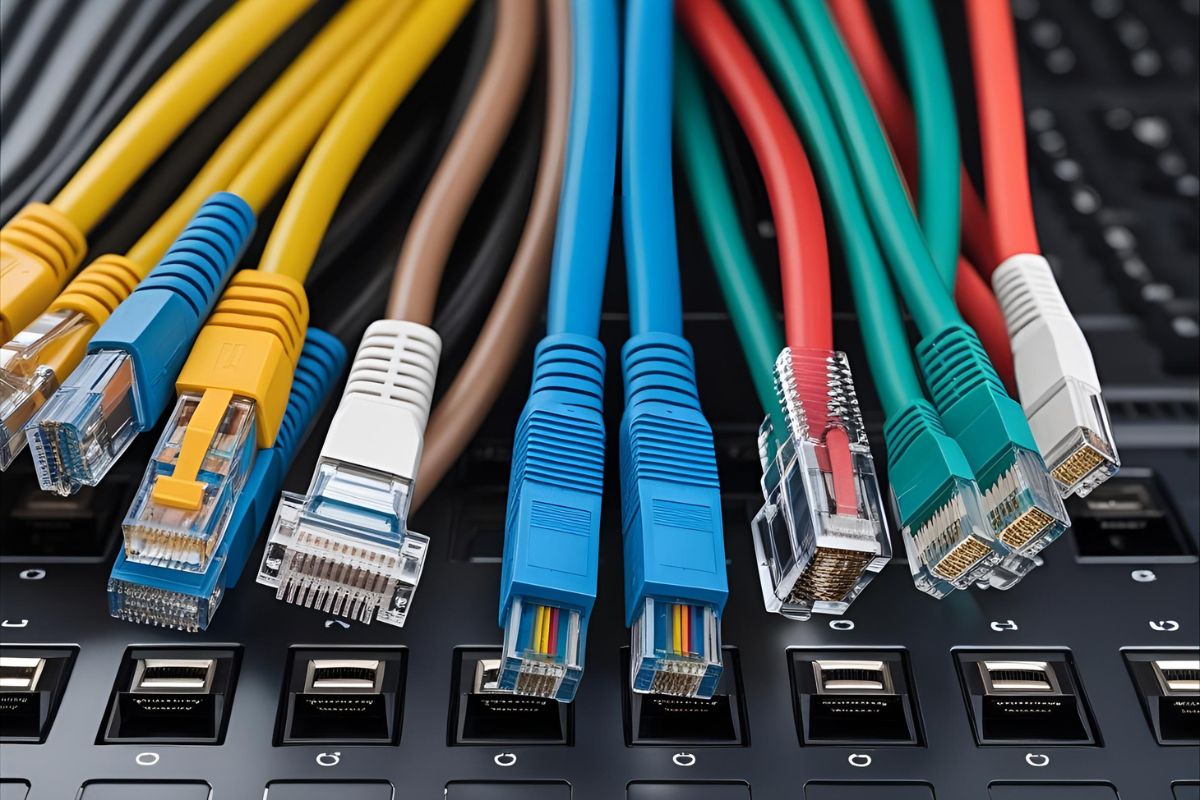
Types of Cables in Computer Networks
Computer networks form the backbone of modern communication, enabling devices to share data seamlessly. At the heart of these networks are cables, which serve as the physical medium for transmitting signals. Understanding the different types of cables used in computer networks is essential for anyone looking to design, maintain, or troubleshoot a network. This article explores the various types of cables, their characteristics, applications, and advantages, providing a detailed overview for beginners and professionals alike.
Introduction to Network Cables
Network cables are physical mediums that carry data signals between devices such as computers, routers, switches, and servers. These cables are designed to handle specific types of data transmission, with varying speeds, distances, and susceptibility to interference. The choice of cable depends on factors like network requirements, environmental conditions, and budget constraints. The primary types of cables used in computer networks include twisted pair cables, coaxial cables, fiber optic cables, and, to a lesser extent, powerline cables. Each type has unique properties that make it suitable for specific use cases.
1. Twisted Pair Cables
Twisted pair cables are the most common type of wiring used in computer networks, particularly in local area networks (LANs). They consist of pairs of copper wires twisted together to reduce electromagnetic interference (EMI) and crosstalk between adjacent pairs. Twisted pair cables are further divided into two subtypes: Unshielded Twisted Pair (UTP) and Shielded Twisted Pair (STP).
Unshielded Twisted Pair (UTP)
UTP cables are widely used due to their affordability and versatility. They consist of four pairs of twisted copper wires encased in a plastic sheath, with no additional shielding. The twisting of the wires helps minimize interference, making UTP suitable for most home and office networks.
- Categories: UTP cables are classified into categories (Cat) based on their performance capabilities. Common categories include:
- Cat5e: Supports speeds up to 1 Gbps over 100 meters, suitable for basic Ethernet networks.
- Cat6: Handles up to 10 Gbps over shorter distances (up to 55 meters), with better resistance to crosstalk.
- Cat6a: Supports 10 Gbps over 100 meters, offering improved performance for high-speed networks.
- Cat7: Designed for 10 Gbps and beyond, with enhanced shielding for data centers and industrial applications.
- Applications: UTP cables are used in Ethernet networks, telephone lines, and home networking setups.
- Advantages: Cost-effective, easy to install, and widely available.
- Disadvantages: Susceptible to interference in environments with high EMI, limited distance for high-speed transmission.
Shielded Twisted Pair (STP)
STP cables include a metallic foil or braided shield around the twisted pairs to provide additional protection against interference. This makes them suitable for environments with significant electromagnetic noise, such as industrial settings or areas with heavy machinery.
- Applications: Used in environments requiring robust noise resistance, such as factories or data centers.
- Advantages: Better protection against EMI and crosstalk compared to UTP.
- Disadvantages: More expensive and harder to install due to the shielding.
2. Coaxial Cables
Coaxial cables, often referred to as “coax,” consist of a central copper conductor surrounded by a shield, a dielectric insulator, and an outer conductor (usually a braided metal). They are designed to carry high-frequency signals with minimal loss, making them suitable for specific networking applications.
- Structure: The central conductor carries the signal, while the shield protects against interference. The dielectric insulator separates the two, ensuring signal integrity.
- Applications: Coaxial cables were historically used in early Ethernet networks (e.g., 10BASE2 and 10BASE5). Today, they are more common in cable television, internet connections via cable modems, and certain industrial networks.
- Types: Common types include RG-6 (used for cable TV and internet) and RG-59 (used for shorter distances and lower frequencies).
- Advantages: Good resistance to interference, supports longer distances than twisted pair cables, and durable.
- Disadvantages: Bulkier and less flexible than twisted pair cables, more expensive than UTP, and less common in modern LANs.
3. Fiber Optic Cables
Fiber optic cables represent the pinnacle of network cabling technology, using light to transmit data over long distances at high speeds. These cables consist of a core made of glass or plastic fibers, surrounded by a cladding layer and a protective jacket. They are ideal for high-performance networks requiring minimal latency and maximum bandwidth.
- Types:
- Single-Mode Fiber (SMF): Uses a single light path for long-distance transmission (up to 100 km or more). It has a smaller core diameter, reducing signal dispersion and enabling higher speeds over longer distances.
- Multi-Mode Fiber (MMF): Uses multiple light paths for shorter distances (up to 2 km). It has a larger core diameter, making it easier to connect but limiting its range compared to SMF.
- Applications: Fiber optic cables are used in backbone networks, wide area networks (WANs), internet service provider (ISP) connections, and data centers. They are also common in environments requiring high security, as they are difficult to tap.
- Advantages: Extremely high bandwidth (up to 100 Gbps or more), immunity to EMI, long-distance transmission, and enhanced security.
- Disadvantages: Expensive to install and maintain, requires specialized equipment for termination, and less flexible due to the fragility of the fibers.
4. Powerline Cables
Powerline cables, while not traditional network cables, use existing electrical wiring to transmit data signals. This technology, known as powerline networking, modulates data onto the electrical current, allowing devices to communicate over power lines.
- Applications: Powerline networking is used in homes or small offices where running dedicated network cables is impractical. It is often employed for extending Wi-Fi coverage or connecting devices in different rooms.
- Advantages: Utilizes existing electrical infrastructure, easy to set up, and cost-effective for small-scale networks.
- Disadvantages: Performance varies depending on electrical wiring quality, susceptible to interference from appliances, and lower speeds compared to dedicated cables (typically up to 1 Gbps).
Comparing Network Cables
| Cable Type | Max Speed (Common) | Max Distance | Interference Resistance | Cost | Common Use Cases |
| UTP (Twisted Pair) | 1–10 Gbps | 100 m | Moderate | Low | LANs, home networks |
| STP (Twisted Pair) | 1–10 Gbps | 100 m | High | Medium | Industrial environments |
| Coaxial | 1 Gbps | 500 m | High | Medium | Cable internet, TV |
| Fiber Optic (SMF) | 100 Gbps+ | 100 km | Excellent | High | Data centers, WANs |
| Fiber Optic (MMF) | 10–100 Gbps | 2 km | Excellent | High | LANs, campus networks |
| Powerline | 1 Gbps | 300 m | Low | Low | Home networking |
Factors to Consider When Choosing a Network Cable
Selecting the right cable for a network depends on several factors:
- Bandwidth Requirements: High-speed applications like video streaming or data center operations may require fiber optic cables, while UTP cables suffice for standard office networks.
- Distance: Fiber optic cables are ideal for long distances, while twisted pair cables are limited to 100 meters for high-speed connections.
- Environment: STP or fiber optic cables are better for environments with high EMI, such as industrial settings.
- Budget: UTP cables are the most cost-effective, while fiber optic cables are significantly more expensive.
- Future-Proofing: Investing in higher-category UTP cables (e.g., Cat6a or Cat7) or fiber optics can accommodate future network upgrades.
Emerging Trends in Network Cabling
As networking technology evolves, so do the cables that support it. Some emerging trends include:
- Higher Category UTP Cables: Newer categories like Cat8 support speeds up to 40 Gbps, catering to data-intensive applications.
- Fiber Optic Adoption: Increasing demand for high-speed internet and cloud computing is driving the adoption of fiber optic cables in both enterprise and residential settings.
- Hybrid Solutions: Combining fiber optics for backbone connections with UTP for end-user connections is becoming common in large networks.
- Sustainable Cabling: Environmentally friendly materials and energy-efficient cabling solutions are gaining traction to reduce the ecological footprint of network infrastructure.
Conclusion
Network cables are a critical component of any computer network, each offering unique advantages suited to specific applications. Twisted pair cables, particularly UTP, remain the go-to choice for most LANs due to their affordability and ease of use. Coaxial cables serve niche roles in cable-based internet and TV connections, while fiber optic cables dominate high-speed, long-distance, and secure networks. Powerline cables provide a convenient alternative for small-scale setups.
By understanding the characteristics and use cases of each cable type, network administrators and enthusiasts can make informed decisions to build reliable, efficient, and scalable networks. Whether you’re setting up a home network or designing a data center, choosing the right cable is key to ensuring optimal performance.